
Transfer a domain to us
To transfer your domain to us, you can do this one of two ways:
- Export a BIND file from your current host, generate an EPP code and send both to us
- Provide us with login information to your current registrar/webhost and we can handle the transfer for you
To export a BIND file, see the instructions under "Change Nameservers" in the menu to the left for how to export a bind file for your host.
Getting the EPP auth code
The auth code enables you to move your domain from one registrar to an other. This is a security measure to prevent unauthorized transfers of domains. The code is unique to each domain and is valid for 60 days.
Loopia
Details
- Log in to your account at loopia.se and click on your domain in the listing
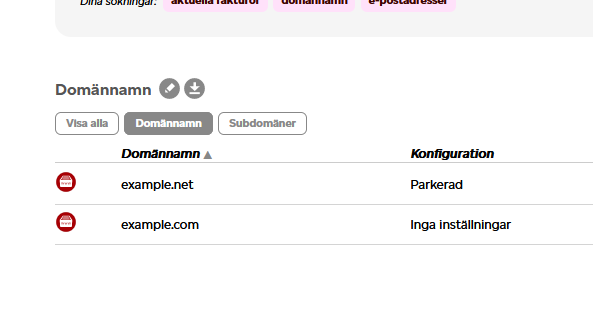
- Click on "Transfer av domännamn"
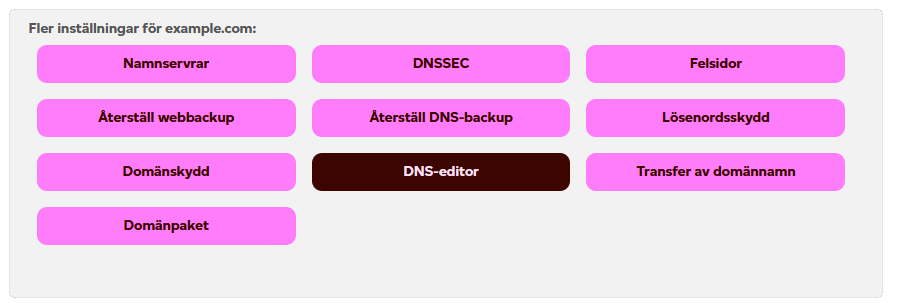
- You will receive a transfer code. Copy this code and send it to us
Websupport
Details
Log into your account at websupport.se and go to my services/mina tjänster
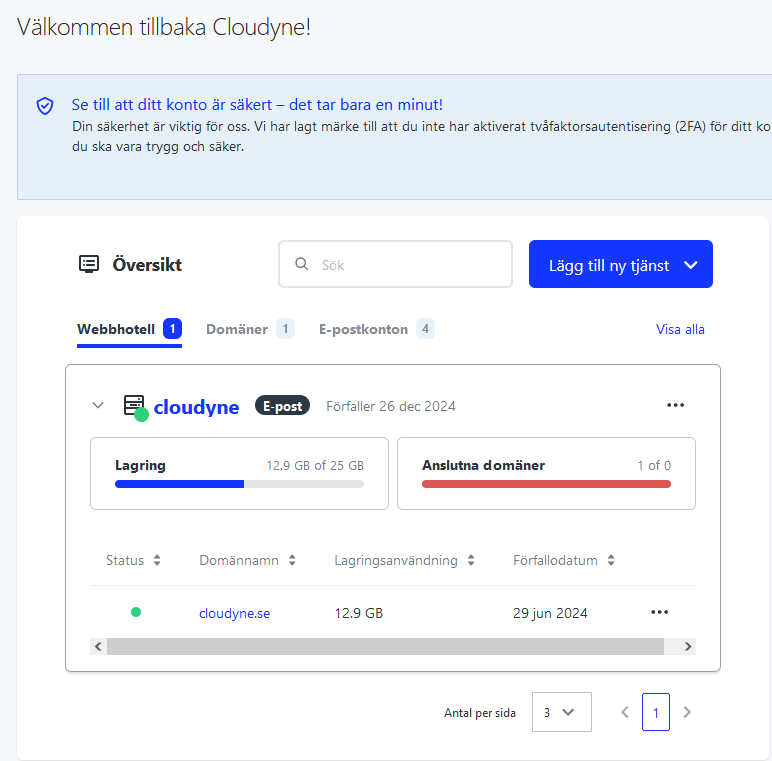
Click on the domain/Domäner-tab and then click on your domain
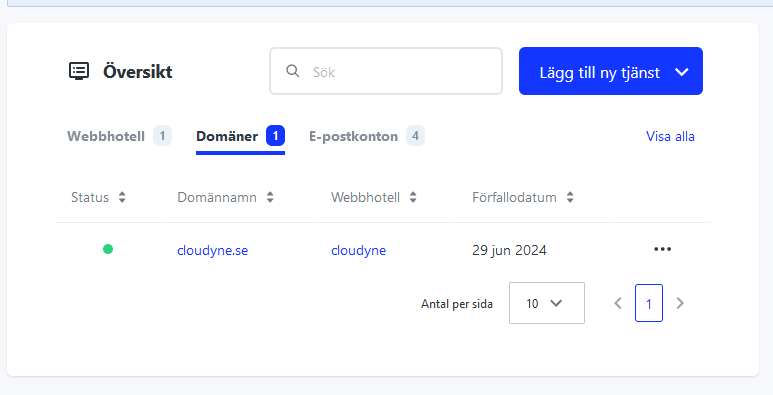
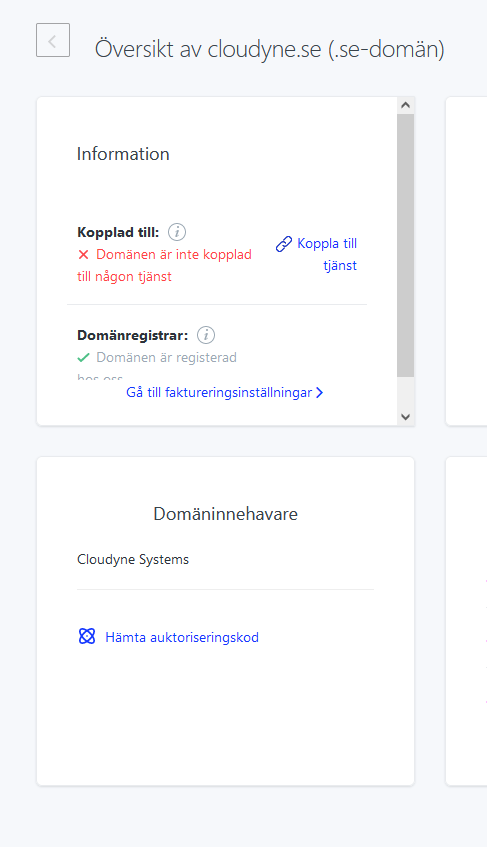
Click on the "Hämta Auktoriseringskod", copy the code and send it to us
One.com
Details
Get the code according to the instructions on https://help.one.com/hc/en-us/articles/14537316791825-Where-do-I-find-my-Auth-ID-EPP-code and then send it to us
FSData (Misshosting)
Details
Get the code according to the instructions on https://misshosting.help/en/articles/6836656-how-to-move-a-domain-from-miss-hosting-to-another-registrar and then send it to us
Oderland
Details
Get the code according to the instructions on https://www.oderland.se/support/en/artikel/where-can-i-find-an-epp-code-for-my-domain/ and send it to us